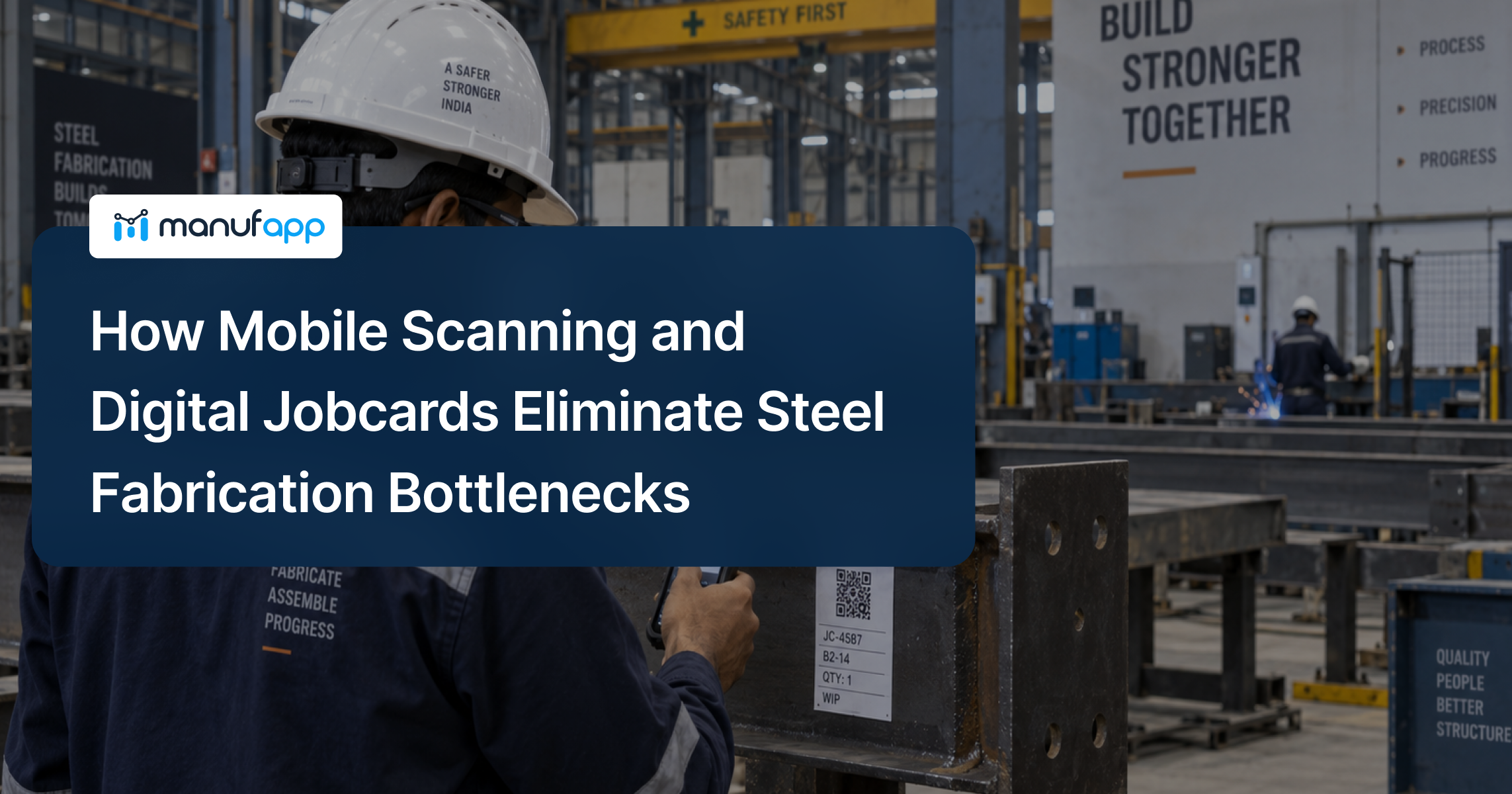


A structural steel fabrication shop can be busy all day and still struggle to meet its dispatch commitments. Cutting may be complete, but drilling is waiting for material. A welded assembly may be ready for inspection, yet its status remains pending in the production register.
These gaps are exactly where digital jobcards in steel fabrication can make a difference.
When operators use mobile scanning to record production against the correct jobcard, supervisors gain a more reliable view of what has been completed, what remains in progress, and where work is getting stuck.
The objective is not simply to replace paper with a mobile application. It is to connect physical steel members with production information that teams can use to make decisions while work is still happening.
For fabrication businesses handling multiple projects, variable production routes, and tight delivery schedules, this visibility makes production control more practical.
Where Steel Fabrication Bottlenecks Actually Begin
Consider a fabrication unit working on several structural steel projects simultaneously.
Hundreds of beams, columns, braces, plates, and assemblies may be moving through different work centers. Some require drilling before fit-up. Others follow a different sequence based on the approved fabrication route.
The problem is not always insufficient machine capacity. Often, the team cannot identify which work is ready, delayed, blocked, or awaiting a decision.
1. Production Updates Arrive Too Late
An operator completes cutting and writes the quantity on a paper jobcard. The supervisor collects the record at the end of the shift, and the planning team updates Excel the next morning.
By the time the report becomes available, the actual shopfloor situation may have changed.
Planning decisions made using yesterday’s information can result in unnecessary follow-ups, incorrect priorities, and additional coordination.
2. WIP Accumulates Between Operations
Suppose 40 members are waiting in the fit-up area, but only 15 are ready for welding. The remaining 25 are waiting for clarification, inspection, or resource availability.
If the production report shows only an overall completion percentage, that distinction can disappear.
As highlighted in the common manufacturing challenges in fabrication, variable workflows and drawing revisions create additional production-control difficulties.
The business needs to understand not just how much work exists, but why it is waiting.
3. Quality Holds Remain Disconnected
A member fails dimensional inspection and requires correction.
If quality maintains a separate register, the production team may still treat the member as completed. Dispatch may even include it in its readiness calculation.
The resulting confusion can lead to unnecessary handling, repeated checks, or incorrect delivery commitments.
4. Dispatch Readiness Becomes a Manual Exercise
A project coordinator asks whether all members required for a shipment are ready.
The production team checks its jobcards, quality checks its inspection records, and dispatch reconciles the information against the packing list.
Even if the required steel has been fabricated, confirming its readiness takes time.
The underlying issue is fragmented information across departments.
What Digital Jobcards in Steel Fabrication Should Capture
A digital jobcard is the production record associated with a work order, fabrication item, mark, assembly, or production quantity, depending on how the factory manages its jobs.
It connects the work required with the work actually performed.
For a structural steel fabricator, a useful jobcard should contain the information relevant to production:
| Jobcard Information | Operational Purpose |
| Project and work order | Identify the production requirement |
| Member or piece mark | Identify the fabrication item |
| Drawing and revision reference | Establish the applicable fabrication information |
| Required and completed quantity | Track progress |
| Configured production route | Identify required operations |
| Operation status | Show completed, running, and pending work |
| Quality status | Identify inspection, hold, rejection, or rework |
| Production entries |
Record operator, work center, time, and output as configured
|
The jobcard does not replace the engineering drawing.
A drawing defines what must be fabricated. The jobcard records how that requirement progresses through production.
The distinction between the jobcard, piece mark, drawing, and material heat number is important. These identifiers serve different purposes and may need to remain linked for traceability.
Our earlier guide explains mark numbers in structural steel fabrication in more detail.
A piece mark may also represent several identical members. In that case, quantity tracking or individual piece identification must be defined according to the project’s traceability requirements.
How Mobile Scanning Works on a Fabrication Shopfloor
Mobile scanning links the physical jobcard or tagged member to its digital production record.
Instead of manually searching for a job, the operator scans its barcode or QR code and opens the relevant information.
A practical workflow involves six steps.
Step 1: Generate the Digital Jobcard
Create the production record using the project, mark, required quantity, and applicable work-center route.
Step 2: Scan the Jobcard
The operator scans the jobcard or associated physical tag to retrieve the relevant production information.
Step 3: Record Production
Enter the completed quantity, operation status, and any required production or exception details.
Step 4: Capture Quality Status
Where inspection is required, record the approval, hold, rejection, or rework against the same production identity.
Step 5: Update Production Visibility
The submitted entry updates the relevant job, operation, and WIP records according to the configured workflow.
Step 6: Review Readiness for the Next Operation
Supervisors identify eligible work, pending operations, and exceptions before planning further activity.
This approach builds on the same principle as barcode-based production entry : connecting an operator’s shopfloor activity to the appropriate digital production record.
However, a scan by itself does not prove that an operation is complete. The system must also capture the required quantity and status, apply the configured validation rules, and distinguish completed work from work awaiting approval.
The physical identification procedure matters too. Labels may need protection or replacement during blasting, painting, or other processes. A durable human-readable mark should remain available wherever project requirements demand it.
Four Ways Digital Tracking Can Reduce Fabrication Bottlenecks
1. Less Time Spent Chasing Production Status
When production entries are captured close to the activity, supervisors do not need to reconstruct every job’s progress from paper records.
They can check whether a required operation is completed, currently running, or waiting.
For example, if a project requires 60 members and 12 are still pending drilling, the production team has a clearer starting point for follow-up.
This does not automatically remove the delay, but it reduces the time needed to identify it.
2. Better Visibility Into Operation-Wise WIP
A fabrication dashboard can group outstanding work by operation, project, age, or status.
Instead of showing only total fabricated tonnage, it can distinguish between members waiting for welding, inspection, finishing, or dispatch.
This enables supervisors to investigate growing queues and prioritize jobs according to available resources and delivery requirements.
It also helps teams avoid releasing additional work into an already congested operation without understanding the downstream impact.
3. Earlier Identification of Quality Exceptions
When a quality result remains connected to the production record, teams can distinguish accepted members from those requiring corrective action.
A failed inspection should not appear as successful completion of the full fabrication requirement.
Where the workflow is configured to enforce approval, a member can remain unavailable for the next restricted operation until the required clearance is recorded.
This reduces the risk of passing unresolved quality issues downstream.
4. More Reliable Dispatch Coordination
Dispatch depends on more than total production output.
A shipment may require specific marks, quantities, assemblies, or members associated with an erection sequence.
Connected production and quality records help teams identify what is complete and what still needs attention.
The dispatch team can then investigate outstanding items before arranging loading or confirming readiness.
The result is a more reliable basis for coordination, although physical verification and the project’s shipping requirements remain essential.
Manual vs Digital Jobcards: What Changes on the Fabrication Shopfloor?
Replacing paper jobcards with digital production records changes how information moves between operators, supervisors, quality teams, and dispatch.
The following comparison highlights the operational differences between manual reporting and a connected production-tracking system.
| What to Compare | Manual Jobcards | Digital Jobcards & Mobile Scanning |
| Production entry | Operators record output on paper or Excel | Operators scan the jobcard and record production digitally |
| Job identification | Requires manual checking of job or mark details | QR or barcode links to the relevant production record |
| Production visibility | Depends on periodic reporting | Updated as production entries are submitted |
| WIP tracking | Requires manual reconciliation | Operation-wise WIP can be viewed in the system |
| Quality inspection | Often maintained in separate records | Inspection results can be linked to the production job |
| Rework tracking | Requires manual communication and follow-up | Rework status can remain connected to the affected job |
| Dispatch readiness | Teams manually verify completed members | Completed and inspected quantities can be reviewed together |
| Reporting effort | Supervisors consolidate records | Reports use recorded production data |
| Bottleneck identification | Delays may become visible during reviews | Pending operations and ageing WIP can be identified earlier |
What this means for fabricators: Digital jobcards do not automatically increase machine capacity or eliminate production delays. They reduce dependence on delayed manual reporting and give teams more reliable information for identifying and addressing bottlenecks.
The actual improvement depends on accurate shopfloor entries, appropriate workflow configuration, and consistent operator adoption.
A Practical Before-and-After Fabrication Scenario
Consider a hypothetical fabrication company producing structural steel for multiple construction projects.
Its supervisors manage progress through paper jobcards and spreadsheets. Production updates are consolidated daily, while inspection records and dispatch planning remain separate.
A project manager needs to confirm whether a set of 80 members is ready for shipment.
Before digital tracking: The manager calls production, checks the latest report, follows up with quality, and asks the dispatch team to reconcile the available members. Several items need physical verification because their reported status is unclear.
After digital tracking: Operators record production against the corresponding jobcards. Quality updates inspection results against the same production identities, and dispatch reviews the outstanding requirements.
The project manager can identify completed members, pending operations, and quality exceptions from connected records.
The business still needs people to resolve the actual production problems. However, teams spend less effort discovering where the problems are.
This is an illustrative scenario, not a measured customer result.
How to Calculate the ROI of Mobile Scanning and Digital Jobcards
Digitalisation should be evaluated against operational improvements, not the number of jobcards created or QR codes scanned.
The most useful approach is to establish a baseline before implementation and measure the same indicators after adoption.
Identify the Costs You Can Measure
For a fabrication business, potential areas include:
- Administrative effort: Time spent entering, collecting, and reconciling production data.
- Status-follow-up effort: Time supervisors spend locating jobs and confirming progress.
- Rework costs: Labour, material, inspection, and handling expenses associated with avoidable production errors.
- WIP delays: Time material remains waiting between operations.
- Dispatch disruption: Additional handling or logistics costs arising from incorrect readiness information.
Not all these costs will disappear after digitisation. Some may remain unchanged, and others depend on improvements outside the software.
Compare Measurable Benefits Against Implementation Costs
A practical first-year ROI calculation is:
ROI (%) = [(First-year financial benefits − Total first-year costs) ÷ Total first-year costs] × 100
First-year financial benefits include verified savings or additional contribution attributable to the implementation.
Total first-year costs include software subscription, implementation, devices, training, support, and any additional operating expenses.
For a credible calculation, avoid treating every minute of saved reporting time as direct cash savings. It becomes a financial benefit only when the business can demonstrate reduced expenses, redeployed capacity with measurable value, or additional profitable output.
Track the Right Production KPIs
Useful indicators include production-entry delay, WIP ageing, first-pass yield, rework hours, operation lead time, and on-time completion.
Our guide to production management KPIs provides a broader reference for measuring manufacturing performance.
Compare results for similar project types and account for changes in workload, staffing, and production mix before attributing improvements to digitalisation.
How ManufApp Supports Digital Fabrication Control
ManufApp’s manufacturing execution capabilities include digital production reporting, barcode or QR-based production entry, mobile access, and shopfloor visibility.
For structural steel fabricators, these capabilities can support tracking across the customer’s configured production processes.
A digital jobcard can connect the production requirement with operator entries and work-center progress. Supervisors can review WIP and identify outstanding work, while quality and dispatch teams can work with connected production information where those modules and workflows are implemented.
The exact configuration depends on the fabrication process, project traceability requirements, and implementation scope.
The goal is not to impose one universal fabrication sequence. It is to make the customer’s actual production route more visible and easier to manage.
Explore the ManufApp Manufacturing Execution System to understand how connected production data can support shopfloor operations.
From Scanning Activity to Measurable Production Control
Mobile scanning is valuable when it becomes part of the normal production workflow rather than an additional reporting task.
A digital jobcard should tell the factory what work is required, what has actually happened, and what still needs attention.
For fabrication businesses, this means connecting physical members with production status, inspection results, WIP visibility, and dispatch requirements.
Digital jobcards in steel fabrication do not eliminate every bottleneck. They make delays easier to identify, investigate, and address before they create larger operational problems.
That is where the business value lies: less uncertainty, more reliable production information, and better decisions across the fabrication shopfloor.
Frequently Asked Questions
Can Digital Jobcards Track Individual Steel Members?
Yes, provided the identification and traceability approach supports it. A shared piece mark may represent multiple identical members. Where individual tracking is required, each physical piece needs an appropriate unique identity or separately maintained record.
Does Every Fabrication Process Need QR Code Scanning?
No. Scanning should be used at meaningful reporting points, such as operation completion, inspection, and movement between work centers. The appropriate frequency depends on production volume, workflow complexity, and the level of traceability required.
Can a Digital Jobcard Replace Printed Fabrication Drawings?
No. A digital jobcard manages production information and can reference the applicable drawing. Engineering drawings and approved revisions remain the source of fabrication requirements.
What Should a Fabricator Evaluate Before Implementing Mobile Scanning?
Start with one production area or project. Define the jobcard structure, marking convention, reporting points, operator responsibilities, and quality checkpoints. Measure reporting time, WIP visibility, and production delays before expanding the rollout.